Delayed order, pending return, or problems with your Amazon account? Sooner or later, many customers need assistance from Amazon Customer Service. However, a traditional customer service phone number isn't always easy to find, and the various contact options can initially seem a little confusing.
In this guide, we'll show you how to contact Amazon Customer Service, which contact methods are available, and which option is best suited to different types of enquiries.
Good to know
Most contact options are available directly through your Amazon account. This allows Amazon to handle your enquiry more quickly, as relevant orders and account information are already available.1. Use the Help Centre as your first point of contact
Many questions can be resolved without contacting Customer Service directly. In Amazon's Help Centre, you'll find answers to common topics such as orders, returns, refunds, Prime memberships, and account settings.
You can access the Help Centre via the "Help" section on the Amazon website or directly through the Amazon app. There, you'll often be presented with suitable solutions for your specific issue.
2. Contact Amazon via live chat
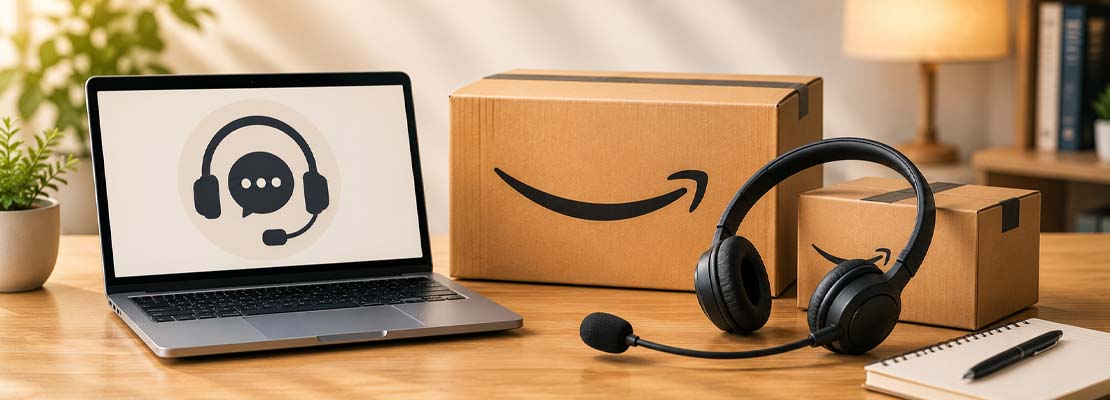
For many enquiries, live chat is the quickest way to get support. After selecting your issue, you can often chat directly with a Customer Service representative. Particularly for questions about orders, returns, or refunds, you'll often receive a response within a few minutes.
Another advantage of live chat is that important information is provided in writing, allowing you to refer back to the conversation later if needed.
3. Request a callback from Amazon Customer Service
If you'd prefer to speak directly with a representative, Amazon often provides a free callback service. Rather than calling a customer service number yourself, you can provide your telephone number and request a callback from Amazon. This frequently helps avoid lengthy waiting times.
According to Amazon, Customer Service availability may vary depending on the country and support hours.
4. Get support directly from an order
The fastest way to receive assistance is often through the relevant order itself. Simply open the "Your Orders" section within your Amazon account and select the appropriate item. Depending on your issue, you'll find options relating to returns, refunds, or contacting Amazon or the seller.
This can save considerable time, particularly when dealing with delivery issues or questions about a specific order.
5. Contact the seller directly
Not all products are sold directly by Amazon. Many items are offered by Marketplace sellers. In these cases, it may be helpful to contact the relevant seller first. This is especially useful for questions regarding products, warranties, or specific delivery information.
The appropriate contact option can be found within your order details or on the seller's page.
Which contact method is best?
- Help Centre: For general questions and straightforward issues.
- Live chat: For quick support with orders and returns.
- Callback service: If you'd prefer to speak directly with a representative.
- Contact the seller: For questions relating to Marketplace orders.
Beware of fake Amazon contacts
Scammers regularly attempt to impersonate Amazon employees. Never share passwords, full payment card details, or verification codes over the phone or by email. Only use the official contact channels available through the Amazon website or app.
Conclusion: Amazon offers several ways to get support
Whether through live chat, the callback service, or the Help Centre, Amazon provides various ways to receive assistance. For most enquiries, contacting Amazon directly through your account is the fastest and safest option. This usually ensures that you receive the right help for your issue without lengthy waiting times.